
Subscription Tracker Spreadsheet: Review Renewals Without Guesswork
Record subscription renewals, actual charges and cancellation checks in a straightforward review list.

Updated
From Sort & Keep, the maker of the linked workbook.
Start with the statement
Subscription lists are easiest to trust when they begin with actual charges. Work through a recent bank or card statement and identify recurring services. Add annual services from your calendar or confirmation emails. A single month will not reveal every renewal. Record the provider, service, amount, frequency and next known renewal date in a separate list.
Keep costs comparable
Show the actual charge and billing frequency before adding any monthly equivalent. An annual £120 charge has a £10 monthly equivalent, but the account still needs to cover £120 on the billing date. Keep those two figures labelled. Do not mix currencies into one total unless you have deliberately converted them and recorded the method and date.
Add a decision column
Use keep, review or cancel requested, with a date beside the decision. Write the practical reason: used for current project, duplicate storage, or no longer needed. An unfamiliar charge belongs in review until identified. Check the provider’s current terms before making changes; a row in your spreadsheet does not cancel a subscription or settle an outstanding balance.
Work through one renewal
Fictional example: a household finds a £12 monthly service and a £60 annual service. Their combined annual equivalent is £204 if those amounts remain unchanged. That is a comparison figure, not a guaranteed saving. If they request cancellation of the monthly service, they leave its row visible until the provider confirms the end date and they have checked the next statement.
Put evidence beside the decision
Keep confirmation messages in a private folder, then note where to find them. Avoid saving passwords, full payment details or sensitive account information in the tracker. Review the next thirty days of renewals at the same time as your monthly budget. After a change, replace the expected amount with the confirmed charge where appropriate and record the date. This creates a useful history of what you decided and what happened, including refunds or a final bill that arrived later.
A workbook to start with
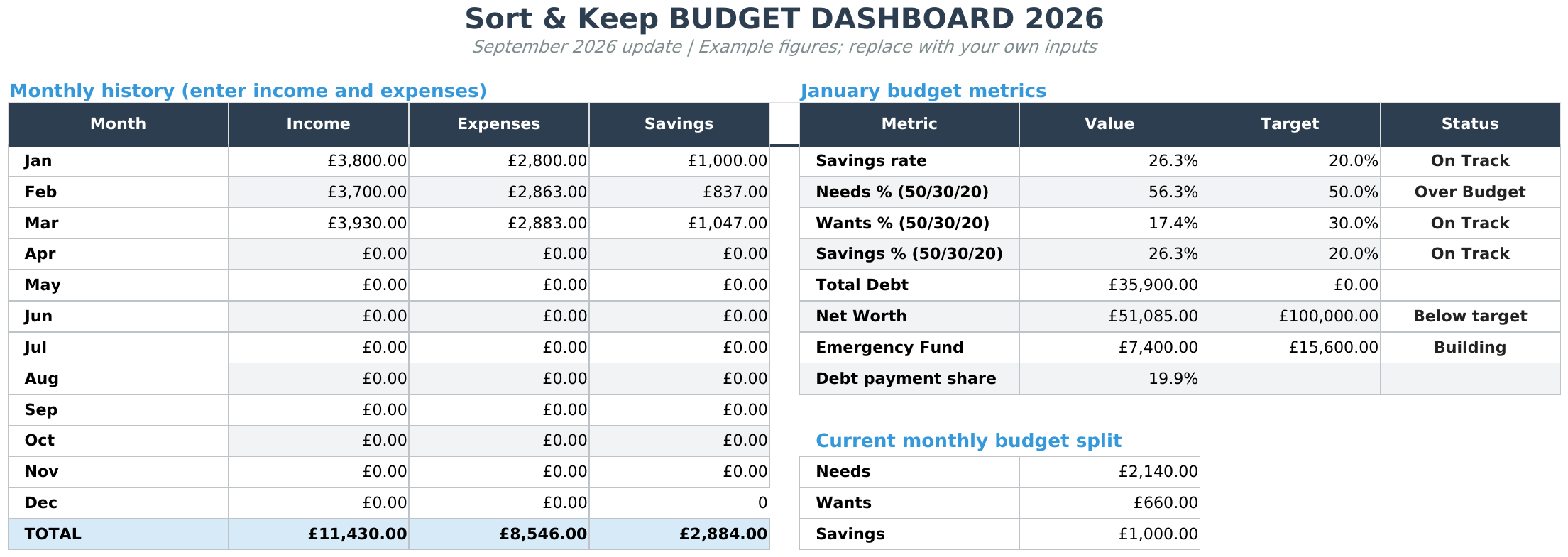
The Free Budget Tracker provides monthly budget, transaction and summary tabs. It is a free downloadable workbook for records you maintain yourself. See Free Budget Tracker.
The suggested DIY fields above describe the workflow, not a promise that every field is built into the supplied template. Keep an untouched copy, read the included instructions and work in Excel or import the file into Google Sheets.
Next read: Bill Tracker Spreadsheet: Keep Due Dates and Payments Clear.



