
Wedding vendor payment tracker: receipts and remaining balances

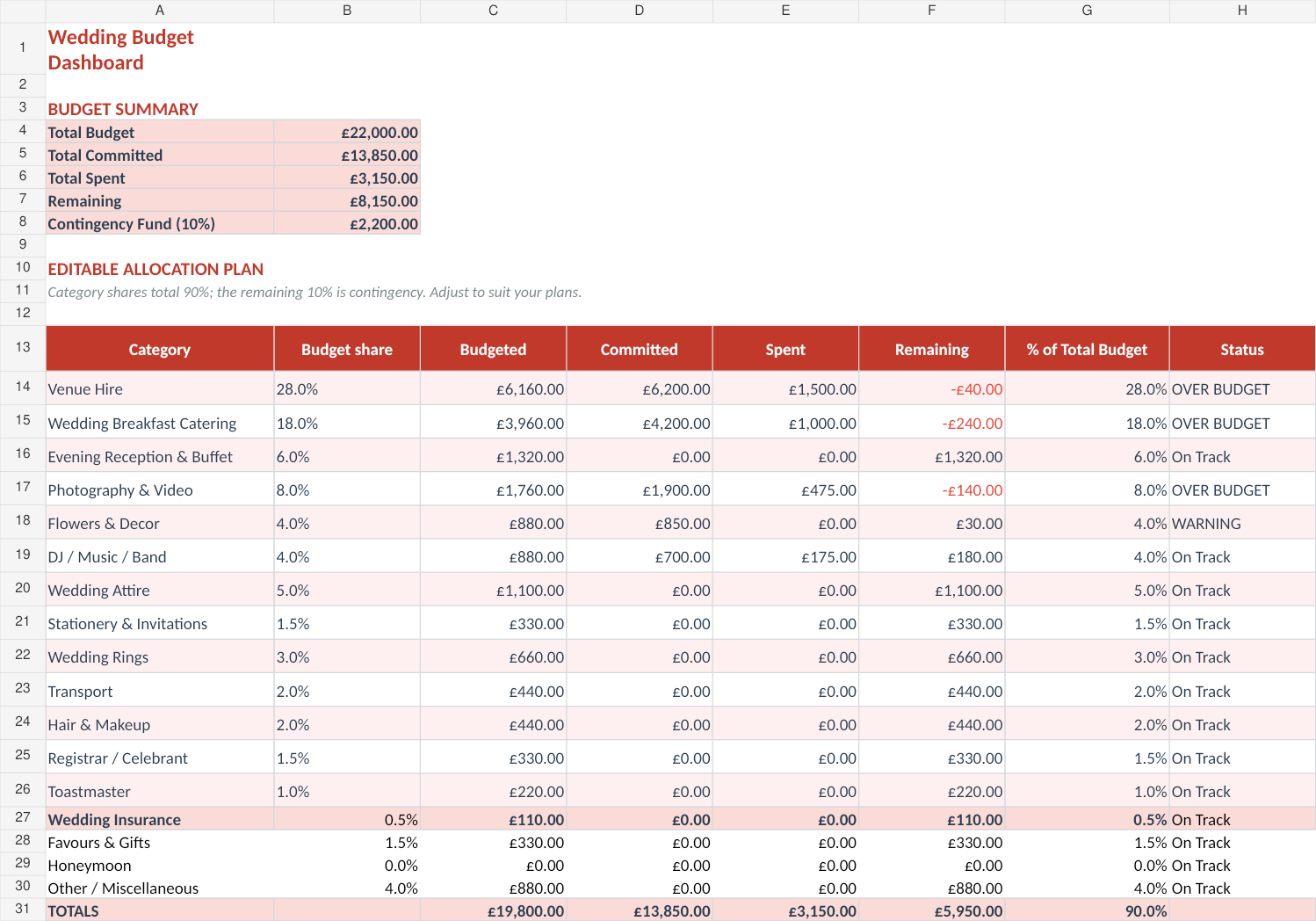
From Sort & Keep, the maker of the linked workbooks. Updated 8 September 2026.
Keep a payment record alongside your supplier agreement. The agreement tells you what is due; the payment record shows what you have actually paid and where to find the confirmation.
Record payments without counting the agreement twice
Give each supplier agreement a reference. Record the agreed total once, then use that reference on every payment row. A second instalment is another payment against the same agreement, not another purchase of the whole service.
This fictional example shows the records for a £1,500 photography agreement. It does not describe a typical wedding price or payment contract.
| Payment reference | Agreement | Date paid | Amount | Confirmation |
|---|---|---|---|---|
| PHOTO-P1 | PHOTO-01 | 10 September | £300 | Deposit receipt |
| PHOTO-P2 | PHOTO-01 | 10 November | £500 | Transfer confirmation |
| Total recorded | £800 |
The recorded balance is £1,500 − £800 = £700. In a blank sheet, put the agreed amount in B2 and payments recorded so far in C2. Use =B2-C2 in D2 for the balance. This is a DIY arithmetic example; it does not identify cell addresses in the supplied workbook.
Keep the original confirmation somewhere you can find it. A filename or reference in your sheet is enough to connect the row to the document. Record the actual date and amount rather than copying the scheduled figure without checking it.
Check a part-payment or duplicate
Suppose you accidentally enter PHOTO-P2 twice. The sheet would show £1,300 paid and £200 remaining, even though the confirmations total £800. Correct the duplicate after matching each row to its confirmation. A formula cannot tell whether you entered the same payment twice.
If two people are updating the record, agree who enters each payment. Review the reference and date before adding a row that looks familiar. Keep an adjustment note when correcting an entry so the other person can follow the change.
Keep refunds and changed agreements visible
A refund and a reduced contract total are different events. If the supplier returns money, record the refund and its date. If the agreed service or price changes, keep the revised agreement too. Do not silently delete the original payment or assume a refund automatically changes the amount still contracted.
For example, £800 paid less a £100 refund means net payments of £700. If the agreement remains £1,500, the arithmetic balance is £800. If a revised agreement changes the total to £1,400, the balance is £700. Check which agreement actually applies before changing the total.
Use the payment record with a schedule
At each check-in, match new entries to confirmations, check open balances and review the next agreed due dates. Mark a payment complete only after it has been made. An amount you intend to pay belongs in the schedule until then.
For the planning side, build a vendor payment timeline. That guide gives each future instalment a date and amount; this payment record keeps track of what happened.
Choose a place to keep the records
You can copy these fields into a blank spreadsheet. If you want a supplied workbook with wedding budget, supplier and payment-schedule records, see the Wedding Budget & Vendor Planner. It arrives as Excel files with setup instructions; you enter and check your own records.
Keep the supplier's actual agreement and receipts. The sheet organises them; it does not decide contract terms or resolve a disputed payment.
Choose the right next step
The Wedding Budget & Vendor Planner is a wedding vendor payment tracker spreadsheet for budgets, deposits, due dates and final balances in one place.



