Wedding payment timeline: plan deposits and instalments

From Sort & Keep, the maker of the linked workbooks. Updated 8 September 2026.
A payment timeline puts future instalments in date order. Start with the dates and amounts in your supplier agreements, then give each instalment its own row.
Put the agreed total and instalments in different places
Record the agreed supplier total once. Add a separate schedule with the agreement reference, instalment, due date, scheduled amount and payment status. This keeps a three-part payment plan from looking like three separate purchases.
Here is a fictional £1,500 photography agreement. The dates and amounts illustrate the structure, not usual contract terms.
| Instalment | Due date | Scheduled | Paid | Remaining |
|---|---|---|---|---|
| Deposit | 10 September | £300 | £300 | £0 |
| Interim | 10 November | £500 | £0 | £500 |
| Final | 10 January | £700 | £0 | £700 |
| Total | £1,500 | £300 | £1,200 |
The scheduled amounts add up to the agreed total: £300 + £500 + £700 = £1,500. The £1,200 remaining is the sum of instalments not yet paid. Use complete dates including the year in your working sheet, particularly when the schedule crosses into January.
Check the schedule against the agreement
In a blank spreadsheet, place the agreed total in B2 and the three instalment amounts in C2:C4. The check =B2-SUM(C2:C4) should be zero when those instalments cover the entire agreed amount. A non-zero result means the two records differ; check for an omitted payment, duplicated instalment or revised total.
That formula is a DIY example, not a cell reference in the supplied planner. It checks addition. It cannot establish whether the agreement itself is correct.
Sort upcoming payments by date
Once each supplier's instalments are entered, combine the schedule and sort the entire table by due date. Keep each row together when sorting so an amount does not become attached to another supplier.
For example, a £200 florist payment due 5 November should appear before the £500 photography instalment due 10 November. A monthly total of £700 would hide that order. Use the individual dates when checking what is due next.
Keep “not booked”, “scheduled”, “part-paid” and “paid” distinct. A quote being considered is not an agreed commitment. A future scheduled payment is not a completed payment.
Update changes without losing the earlier record
When a supplier confirms a changed date, note the change and keep the revised confirmation. When the amount changes, recheck the agreement total and remaining instalments. A blank due date means the date needs confirming; do not replace it with a guessed deadline.
As payments happen, record the actual date and amount. If an instalment is only partly paid, leave its remaining balance visible. For a worked example of receipts, duplicate entries and refunds, read the vendor payment tracking guide.
Use a blank sheet or a supplied planner
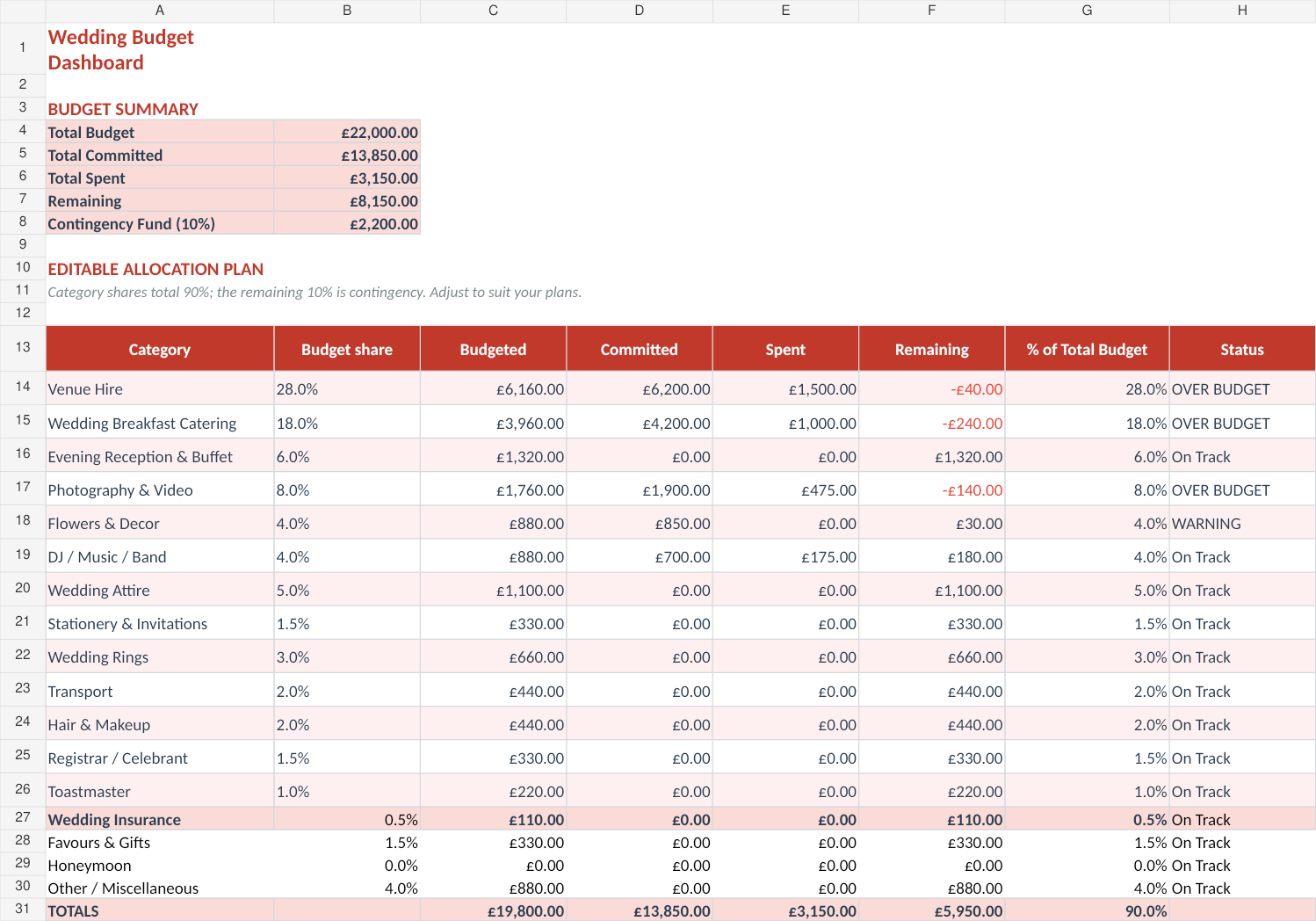
The table above is enough to start your own schedule. Wedding Budget & Vendor Planner provides wedding budget, supplier and payment-schedule records in downloadable Excel files. Use the supplied instructions and keep an untouched copy before adding your information.
The schedule is a record of your own agreements. Confirm missing terms with the supplier rather than treating an example spreadsheet as the contract.
Choose the right next step
The Wedding Budget & Vendor Planner is a wedding vendor payment tracker spreadsheet for budgets, deposits, due dates and final balances in one place.