
How to Track Freelance Income and Expenses Clearly
Separate invoices from received payments and keep freelance records easier to reconcile.

Updated
From Sort & Keep, the maker of the linked workbook.
Give each record a purpose
Freelance records become confusing when sent invoices, received money and project estimates all share one total. Keep those ideas separate. An invoice list answers what was billed and what remains outstanding. An income and expense record answers what you have recorded as received or spent. A project plan records work that may happen. Label the period and currency in each view.
Record enough to trace an entry
For a DIY record, useful fields are date, reference, description, client or supplier, amount, currency and source document location. Keep invoices and receipts in a private folder using a naming pattern you can search. Use a short reference in the sheet instead of pasting personal information. If an entry is unclear, mark it for review rather than guessing its category.
Match payments with invoices
Update an invoice when you can confirm the payment. Record partial payments as partial payments and retain the remaining balance. Avoid marking a whole invoice paid because one instalment arrived. Where payment fees exist, keep the invoice amount, fee and net receipt distinguishable in your supporting records so a bank deposit can be understood later.
Try a reconciliation example
Fictional example: a freelancer invoices £600 and receives two payments of £250 and £350. The first payment leaves £350 outstanding; the second clears it. The invoice total remains £600, and received payments total £600. Adding the invoice and receipts together would incorrectly produce £1,200. This example shows record matching only, not the accounting or tax treatment to use for a particular business.
Close the week with a short list
Compare new entries with their source documents, identify unmatched payments and write down the next follow-up date for open items. Keep a separate note of questions for your accountant rather than turning uncertainty into a confident spreadsheet answer. Back up the file before structural changes. At the end of a reporting period, save a dated copy so later corrections have a traceable starting point.
A workbook to start with
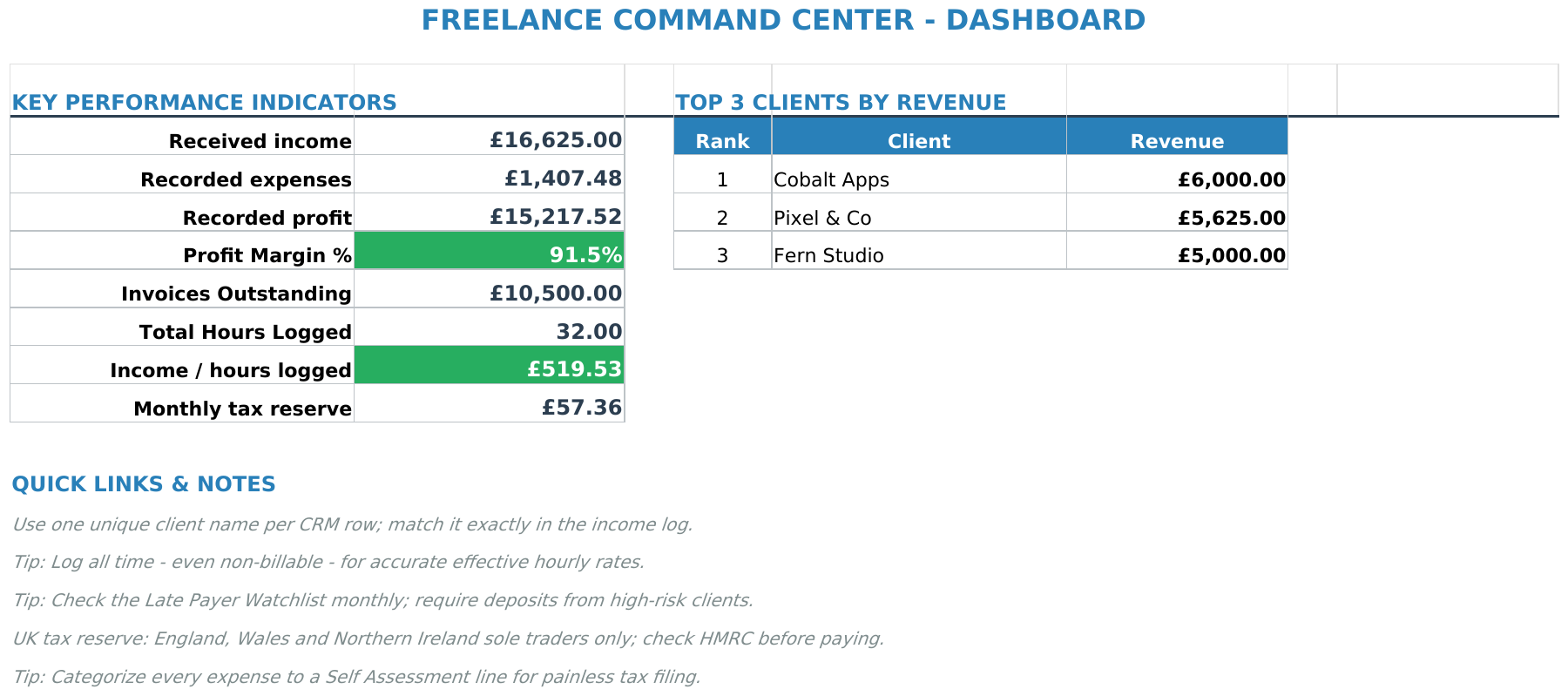
Freelance Command Center brings client, invoice, income and expense records together, with views including an invoice tracker and income and expense log. You enter and check your own information. See Freelance Command Center.
The suggested DIY fields above describe the workflow, not a promise that every field is built into the supplied template. Keep an untouched copy, read the included instructions and work in Excel or import the file into Google Sheets.
Next read: Budget Template for Freelancers: Keep Household Plans Separate from Invoice Totals.



